
Turn your photos into a reel that's ready to post.
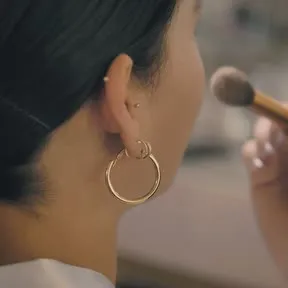
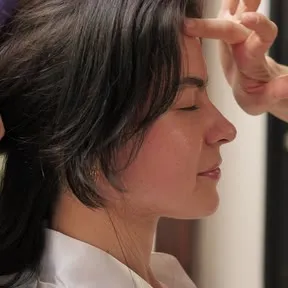
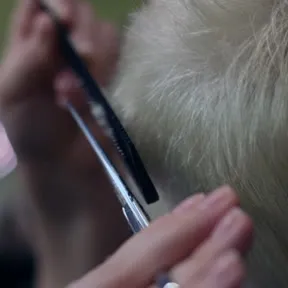
Add 1 to 20 photos or videos of your business. JingleBird edits them to music or a voiceover, adds hooks that keep people watching and writes the caption.
Coming soon for iPhone and Android.
-
 0:19
0:19 -
 0:10
0:10 -

-
 0:12
0:12 -
 0:13
0:13 -
-
 0:12
0:12 -

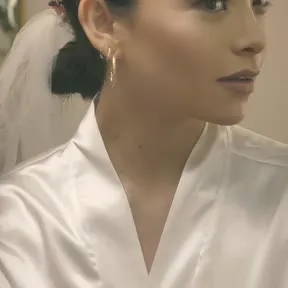
Reels made with JingleBird
- 0:21
Sweet Crumb Bakery, Columbus Theme: Clean - 0:23
Slice House Pizza, Chicago Theme: Offer of the week
How it works
- 1
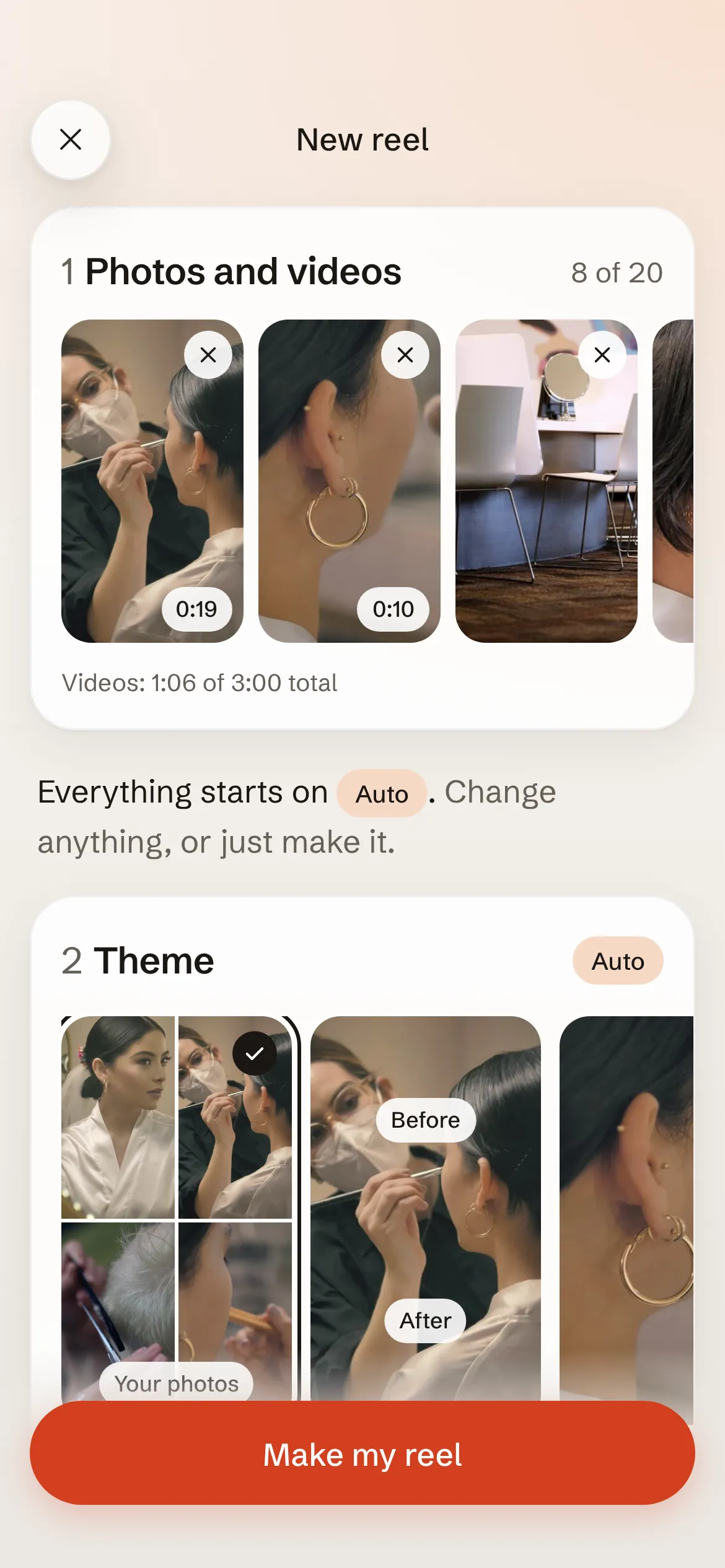
Add 1 to 20 photos or videos
Pick them from your phone. Shots of your work, your space, your team.
- 2
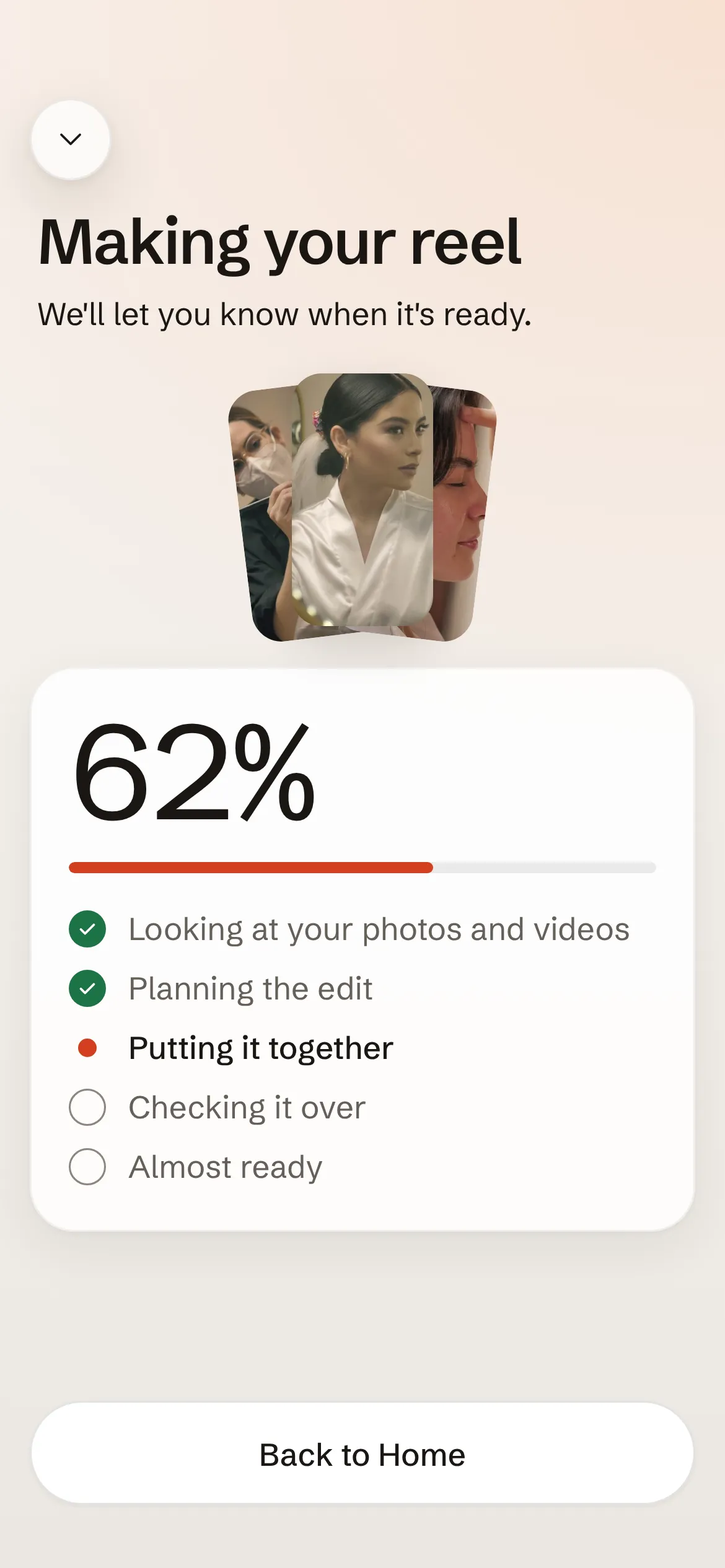
Leave it on Auto, or choose
Pick a theme, music or a voiceover, a hook and a thumbnail. Or tap Make my reel and we choose.
- 3
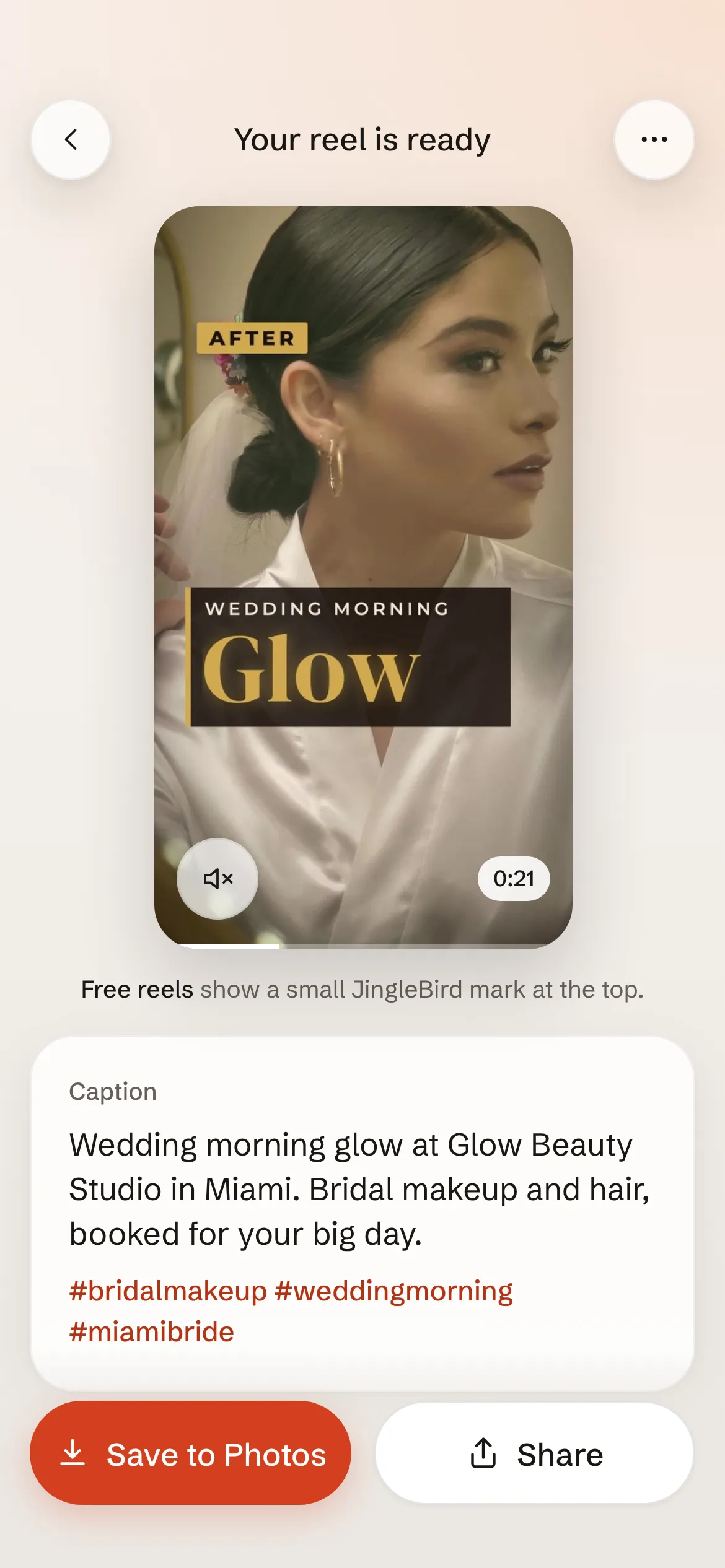
Post it
We let you know when it is ready. Copy the caption, then save the reel to Photos or share it.
What you get
- A reel ready to post
- Sharp, full-screen video up to 10-90 seconds, made for TikTok, Instagram Reels and YouTube Shorts.
- Sound that fits
- Music picked for your reel, a voiceover in the voice you choose, or no sound.
- Hooks that stop the scroll
- Every reel opens with a hook, and words on screen help keep people watching.
- A caption and hashtags
- Written for your reel and ready to copy.
- Thumbnails to choose from
- Pick the cover that makes people tap play.
- Reel ideas for your business
- Tell us what your business is once and get 6 reel ideas made for it.
- Made in the background
- Start a reel and we let you know when it is ready.
Pricing
Free
US$0
No card needed.
- Your first 3 reels
- No plan needed to use them
- Free reels carry a small JingleBird mark
Pro
US$99 a month
Plus applicable sales tax.
- 30 reels every billing month
- Renews every month until you cancel
- Unused reels expire at the end of each billing month
- Only finished reels use a credit
- Cancel any time. Your plan stays active until the end of the month you've paid for.
Max
US$199 a month
Plus applicable sales tax.
- 80 reels every billing month
- Renews every month until you cancel
- Unused reels expire at the end of each billing month
- Only finished reels use a credit
- Cancel any time. Your plan stays active until the end of the month you've paid for.
Questions
Which phones does it work on?
iPhone and Android. You make, save and share your reels right in the app.
Where is it available?
In the United States only.
Who can use it?
Anyone 18 or older. JingleBird is made for business owners.
How do I cancel?
In the app, open Settings, then Plan and credits, then tap Cancel plan. You can also email support@mbyte.ai. Cancel before your renewal date to avoid the next charge. Your plan stays active until the end of the month you paid for.
Can I get a refund?
Yes, if you ask within 3 days of a charge and haven't made a reel since. The refund and cancellation policy covers the rest.
How do I delete my account?
In the app, open Settings, then tap Delete account. Without the app, follow the steps on Delete your account.